← All My Refer Buddy guides
Share with coworkers
Send the app to someone at your shop in a text.
Share the app
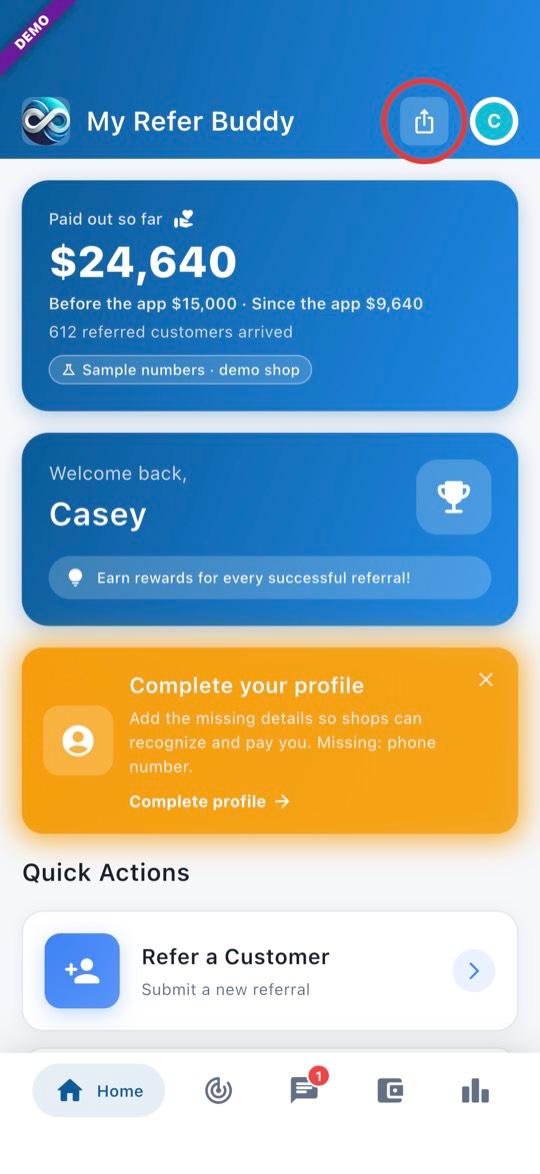
1Tap Share on Home
On Home, tap the Share button at the top right (circled in the picture).
2Send it by text
Tap Send via Text and pick your coworker. Your phone opens a text with the link already in it. If they get the app without your link, they can enter your invite code (shown at the top) when they sign up.
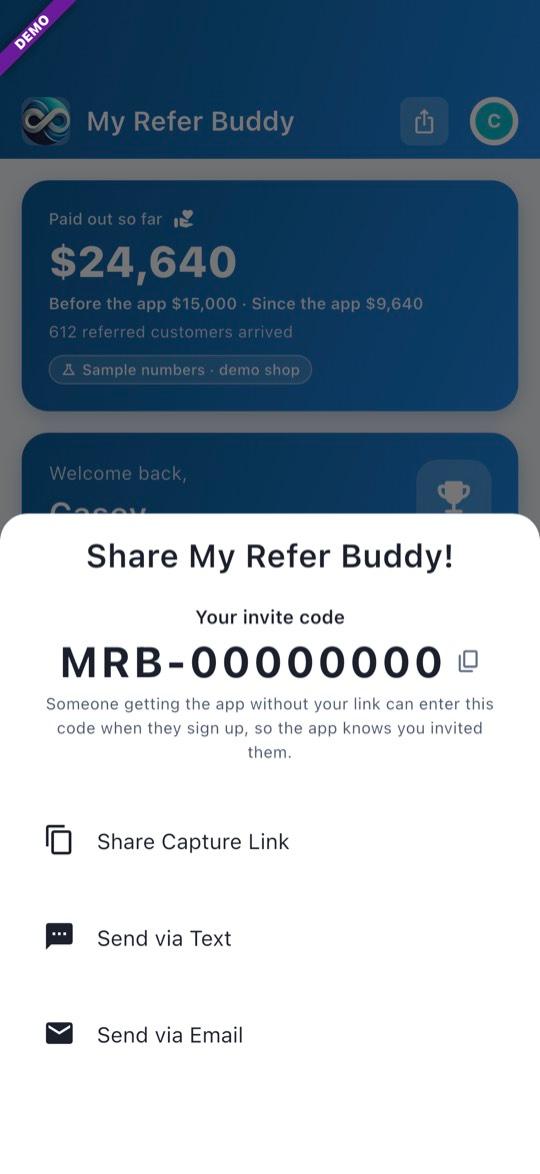
- Pictures show a demo account. The red ring is added for this guide.
- After they install it, send them the Set up your account guide.
Questions? Email info@AINcollective.com or call (719) 463-0050.